Digital accessibility and WCAG compliance
Helping you comply with EN 301 549, the European harmonized standard for digital accessibility
We conduct thorough and practical accessibility audits for public agencies and private companies to help them bring their digital interfaces into compliance with EN 301 549, the European harmonized standard.

100% manual testing

WCAG, RGAA, RAAM and RAWeb Audits

Certified auditors
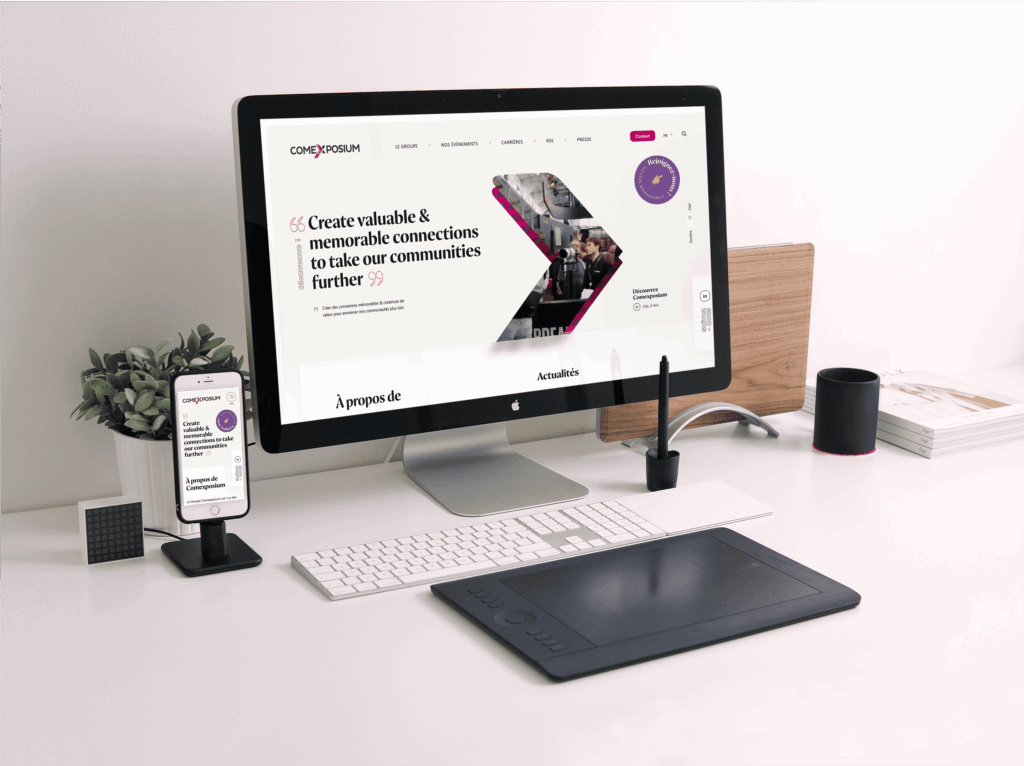








We support European organizations in their digital accessibility initiatives.
Our accessibility audits
Mobile App Audits
We conduct accessibility audits for native and WebView mobile apps on iOS and Android. We follow the RAAM 1.1 framework, which ensures compliance with the requirements of the EN 301 549 standard. We also provide advanced technical recommendations tailored to the development language used.
Website Audits
We conduct accessibility audits for websites, software, and SaaS applications. Our certified auditors follow a rigorous methodology to perform all the tests required by the various standards: RGAA 4.1.2, RAWeb 1.1, and WCAG 2.2.
PDF Compliance
We analyze and make your PDFs accessible, following the PDF/UA standard and using the RAPDF 1.1 framework. We work from your source files (InDesign or Word) or directly from the final version in Acrobat.
How is a digital accessibility audit conducted?

Sample
We provide you with a representative sample of your interface. The goal is to analyze all content templates and critical user flows.

Accessibility Audit
We perform all tests manually and provide specific recommendations for corrections, organized by criterion and component.

Reporting
Our digital accessibility consultant will present the audit results and propose a strategic prioritization of the corrective measures to be implemented.

Accessibility Statement
We provide you with the accessibility statement, ready for publication.

Your digital accessibility management dashboard
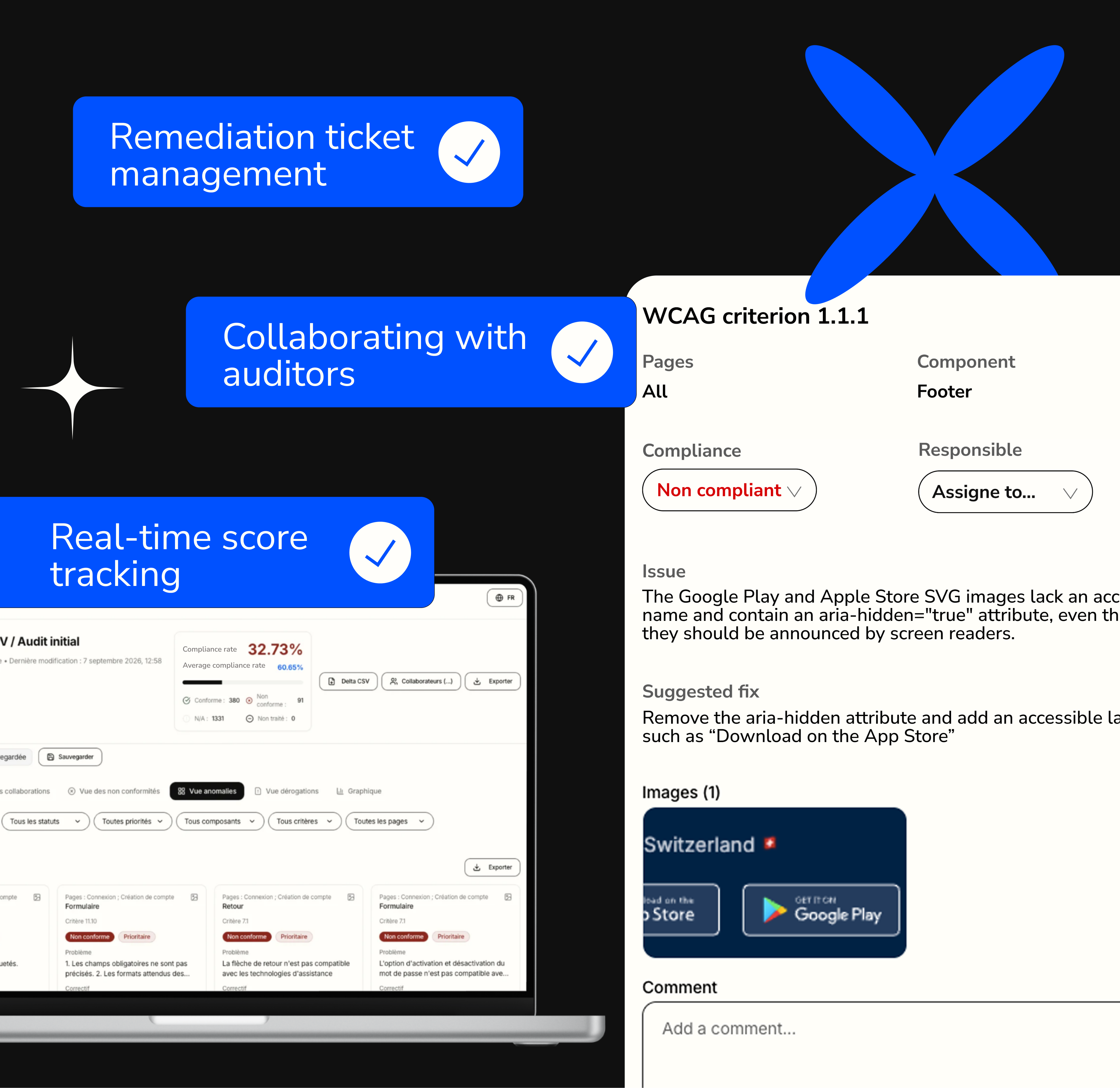
Get started with our audit management platform, which lets you convert non-conformities into corrective action tickets organized by page and by component.
View by component
Dynamic score
Export tickets
All of our services
Digital accessibility services FAQ
RGAA, RAWeb, WCAG, RAAM...which standard do you use?
It depends on the scope of the project.
To choose the right digital accessibility audit framework, we consider the following factors:
- The type of interface: iOS or Android mobile app, web app, website, extranet, SaaS, PDF, e-book, etc.
- The nature of the organization: are you a private company or a public entity?
- The country of origin i.e. where the organization is registered.
- The countries in which it operates and interacts with its audiences.
How is the audit sample selected?
We follow a rigorous methodology
The pages in the sample are selected to represent the full range of interface templates.
We pay particular attention to the key user flows on your website or mobile app to ensure they are analyzed.
We always review the sample with you to agree on the content to be audited.
Do you run automated audits?
The short answer: no!
No accessibility audit can be performed automatically. To conduct a comprehensive and representative audit, testing must be done manually.
We test various combinations of browsers and screen readers, as well as voice control and keyboard navigation. We carefully examine your interface’s code and analyze all components, colors, and the relevance of the alternatives in the sample.
Watch out for the growing number of scams on the market!
In what format is the audit report presented?
Plusieurs documents vous sont partagés
We share several documents with you.
Your audits are available in your company dashboard, on our Aksé Team interface, and we also provide three documents:
- The audit checklist, which includes suggestions for corrective actions.
- The audit report, which includes screenshots and recommendations for prioritization.
- The accessibility statement, which you can copy and paste onto your website or a page in your app.
And after the audit, what's next?
Prioritizing fix tickets
We can help you create fix tickets in your project management tool (e.g., Asana). Most importantly, we’ll guide you in prioritizing the fixes to be implemented, based on your upcoming development sprints, your resources, and the impact on overall accessibility.
Building skills
During the audit debrief, your team will learn a great deal about the key concepts of digital accessibility. This debrief typically takes 2 to 3 hours, depending on the number of pages audited. We take the time to explain all our recommendations, and most importantly, we remain available afterward to answer your questions.
Training
We also offer customized training for your teams. The advantage of these training sessions is that they are designed to address your unique challenges, allowing us to help you resolve accessibility issues while training you at the same time!
Conduct a follow-up audit
Finally, we recommend conducting a follow-up audit once certain sets of fixes have been implemented. This allows you to improve your score and update your accessibility statement.
Our recent digital accessibility projects